

January 15, 2025
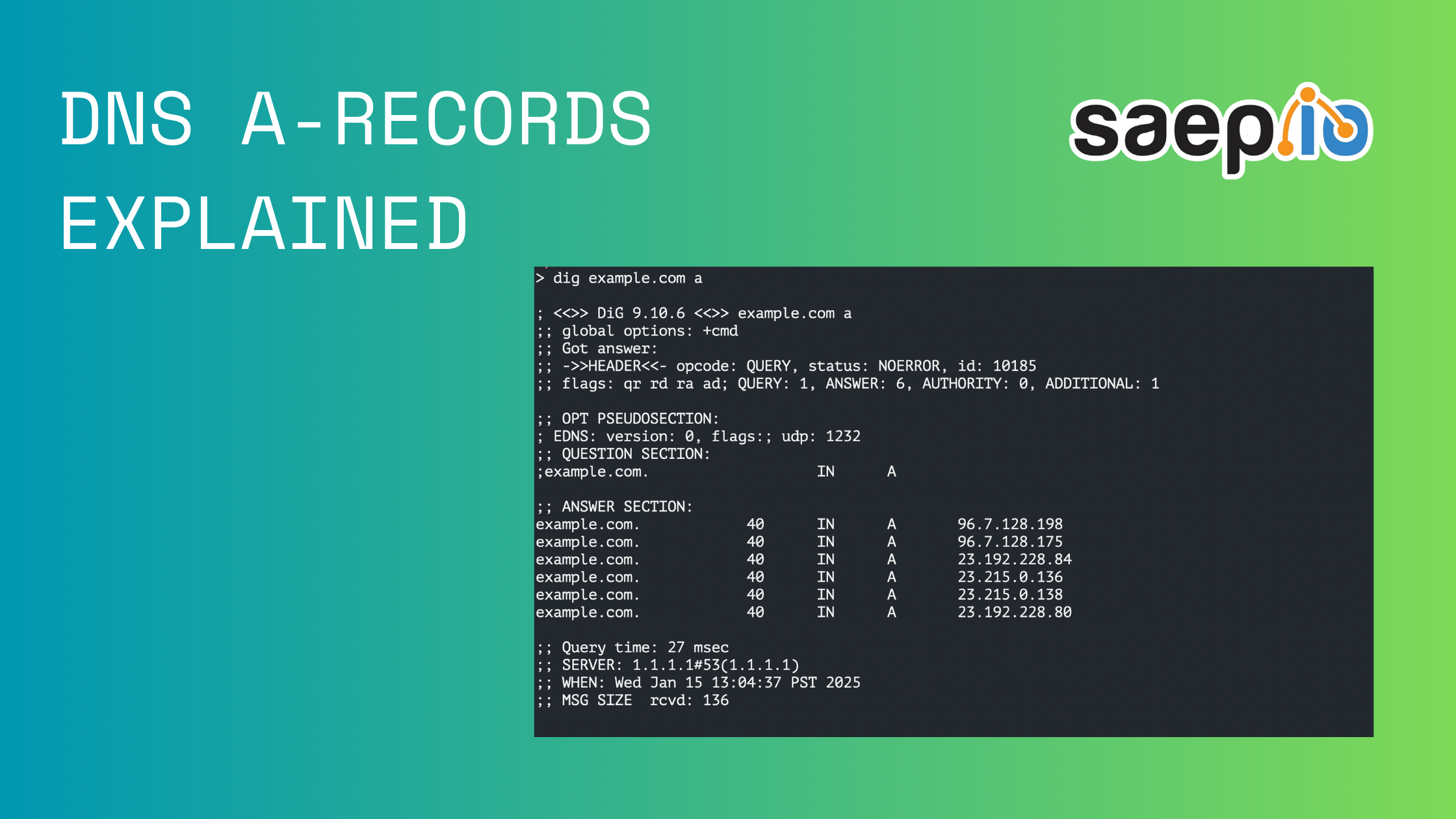
The Domain Name System (DNS) is the unsung hero of the internet, translating human-friendly domain names like example.com into machine-friendly IP addresses. Among the many DNS record types, A Records (Address Records) are fundamental, serving as the cornerstone for directing traffic to the correct destination.
In this blog post, we’ll dive into what DNS A Records are, how they work, and why they’re critical to the internet’s functionality.
A DNS A Record (short for “Address Record”) maps a domain name to an IPv4 address. For example:
• Domain: example.com
• A Record: 192.0.2.1
When a user types example.com into their browser, the DNS resolves this domain to the associated IP address (192.0.2.1), allowing the browser to connect to the correct server.
1. User Request: A user enters a domain name into their browser.
2. DNS Query: The browser sends a query to the DNS resolver to find the corresponding IP address.
3. Resolver Lookup: The resolver checks its cache or queries authoritative DNS servers to find the A Record.
4. Response: The resolver returns the IP address from the A Record to the browser.
5. Connection: The browser connects to the server at the provided IP address to load the website.
• IPv4 Mapping: A Records only support IPv4 addresses (e.g., 192.0.2.1). For IPv6, DNS uses AAAA Records.
• One-to-Many Mapping: A single domain can have multiple A Records pointing to different IPs, often used for load balancing.
• Time-to-Live (TTL): A Records have a TTL value, determining how long DNS resolvers cache the record. Lower TTLs allow faster updates but can increase DNS query load.
1. Website Hosting: Pointing a domain name to the IP address of a web server.
www.example.com -> 203.0.113.52. Subdomains: Directing subdomains to different servers.
blog.example.com -> 203.0.113.103. Load Balancing: Distributing traffic across multiple servers.
example.com -> 192.0.2.1
example.com -> 192.0.2.2
4. Custom Applications: Pointing domains to application servers, APIs, or other services.
Configuring an A Record typically involves using a domain registrar or DNS hosting provider. Here’s a step-by-step guide:
1. Log in to your DNS hosting provider’s dashboard.
2. Navigate to the DNS management section for your domain.
3. Add a New Record: Select “A Record” from the available options.
4. Enter Details:
• Name: The subdomain or @ for the root domain.
• Value: The IPv4 address of your server.
• TTL: Set a TTL value (e.g., 3600 seconds).
5. Save Changes.
1. Propagation Delays: DNS changes can take time to propagate globally due to TTL settings.
2. Incorrect IP Address: Ensure the IP address is correct and reachable.
3. DNS Cache Issues: Clear your local DNS cache or use a public DNS resolver (e.g., Google DNS) to check for updates.
4. Missing Records: Verify that the A Record exists for the domain or subdomain in question.
DNS A Records are a critical component of how the internet functions, translating human-readable domain names into machine-readable IP addresses. Whether you’re setting up a new website, configuring a subdomain, or optimizing your DNS settings, understanding A Records is essential for managing your online presence effectively.
By mastering A Records, you’ll have a solid foundation for navigating the broader world of DNS and ensuring your domains resolve correctly.
Have questions about DNS A Records or need help setting one up? Reach out and let us know!

